
Turn your road trip into a souvenir
Add your stops, follow real roads, pick your colors, and print a poster you'll actually hang on the wall. It's free, only takes minutes, and you don't need an account.
Start from a template
We've started maps for some road trips and saved our favorite presets. Pick one, change anything you like, and make it yours.
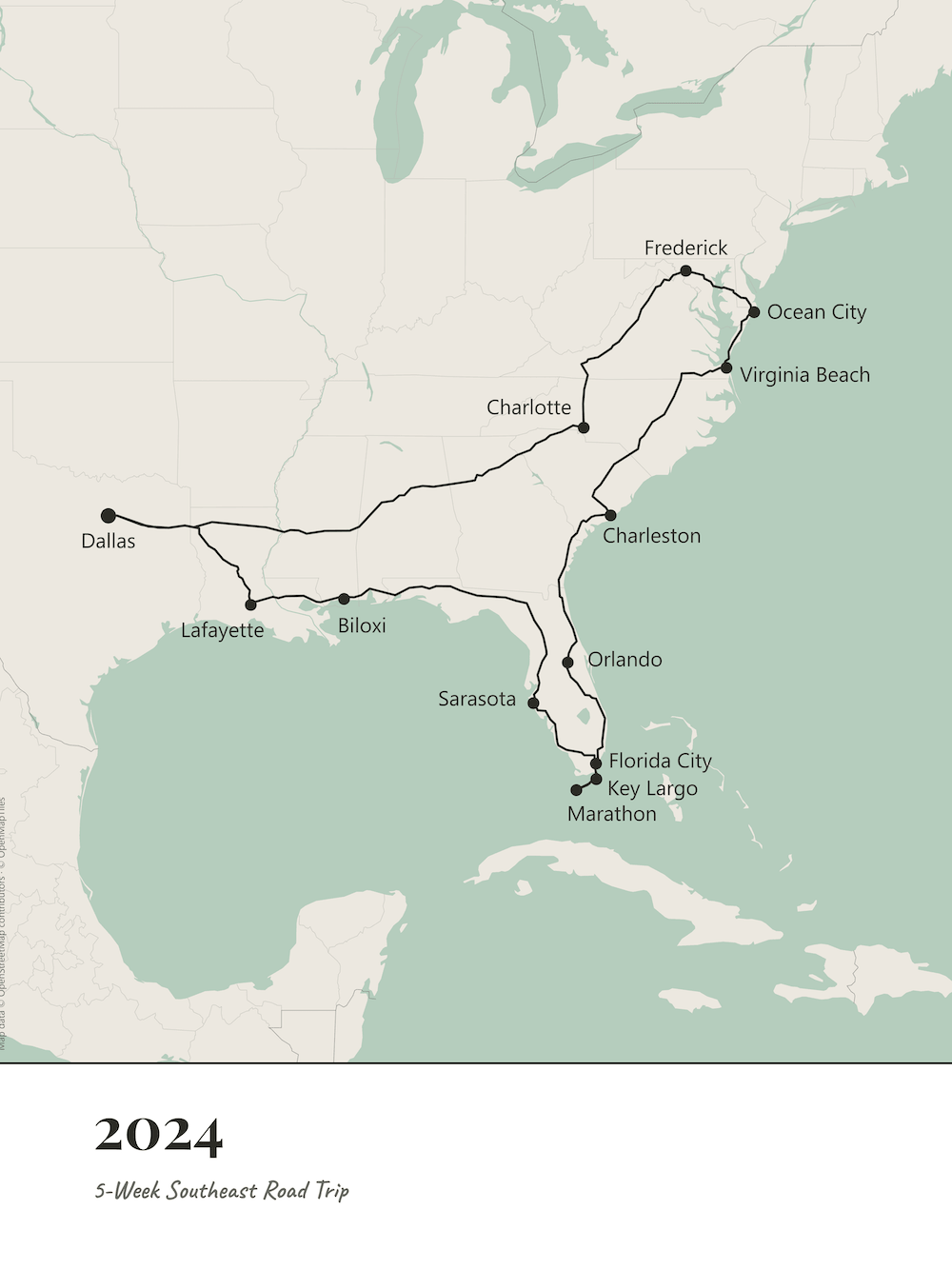
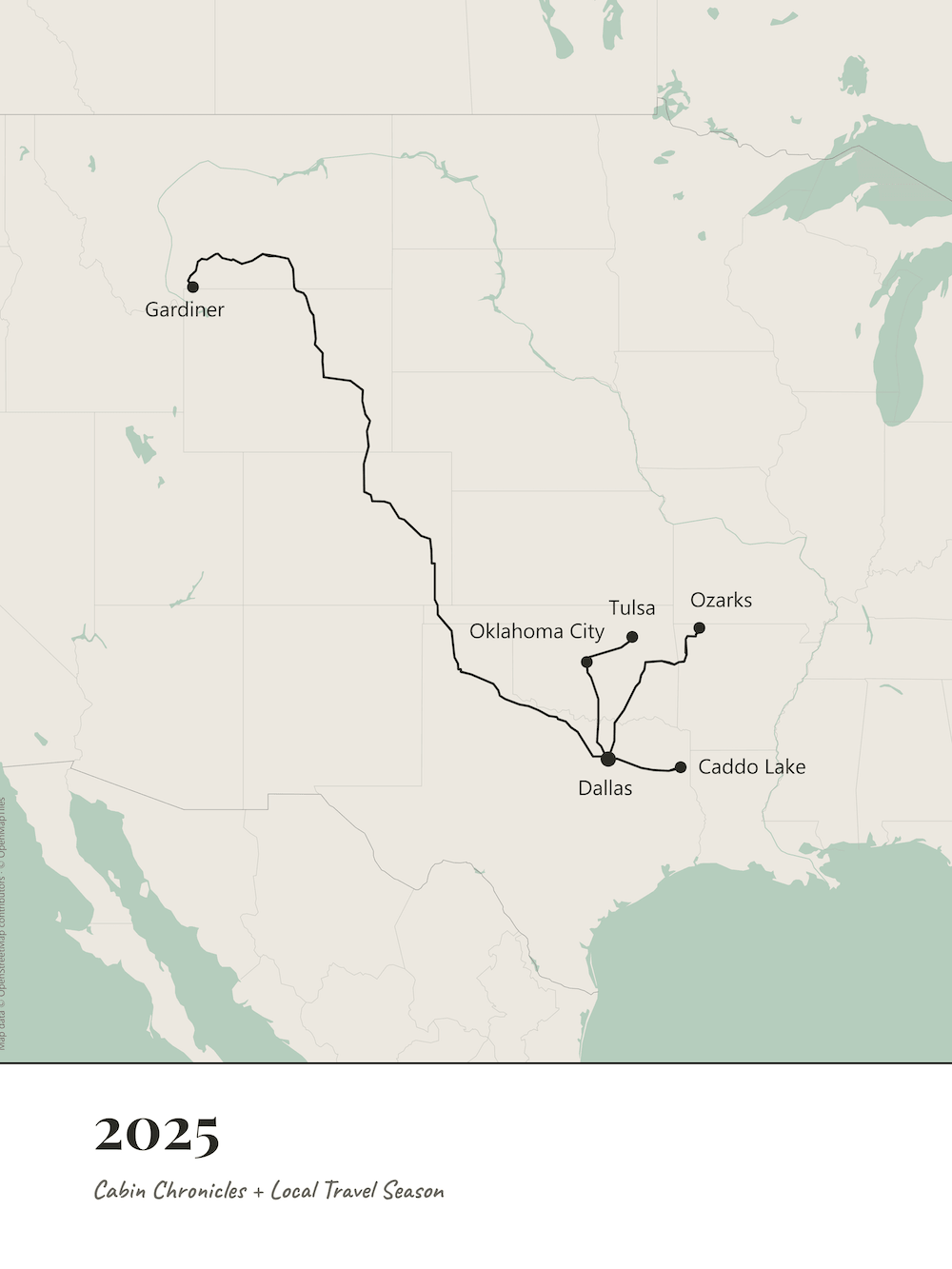
Add your stops. Search for a city, state, country, or landmark (including national parks!) or click the map to drop a pin anywhere.
Make it yours. Driving legs follow real roads, so the route looks like the trip you actually took. Choose your colors, pick your labels, and drag anything exactly where you want it.
Download and print. Preview your map, then download a print-ready PNG before you close the page. Take it to any photo counter or upload it to an online print shop.
How It Works
Print it, then frame it
A printed map is nice, but a framed one is a keepsake! We print ours at 18 × 24 inches and frame them in white woodgrain to match our home decor.
Affiliate Disclosure: When you click on this link and make a purchase, we may earn a small commission. This comes at no cost to you! As an Amazon Associate, we earn from qualifying purchases.
A souvenir worth giving, too
A national park road trip you never want to forget
An anniversary or honeymoon route, framed as a gift
A move across the country or a bucket-list drive
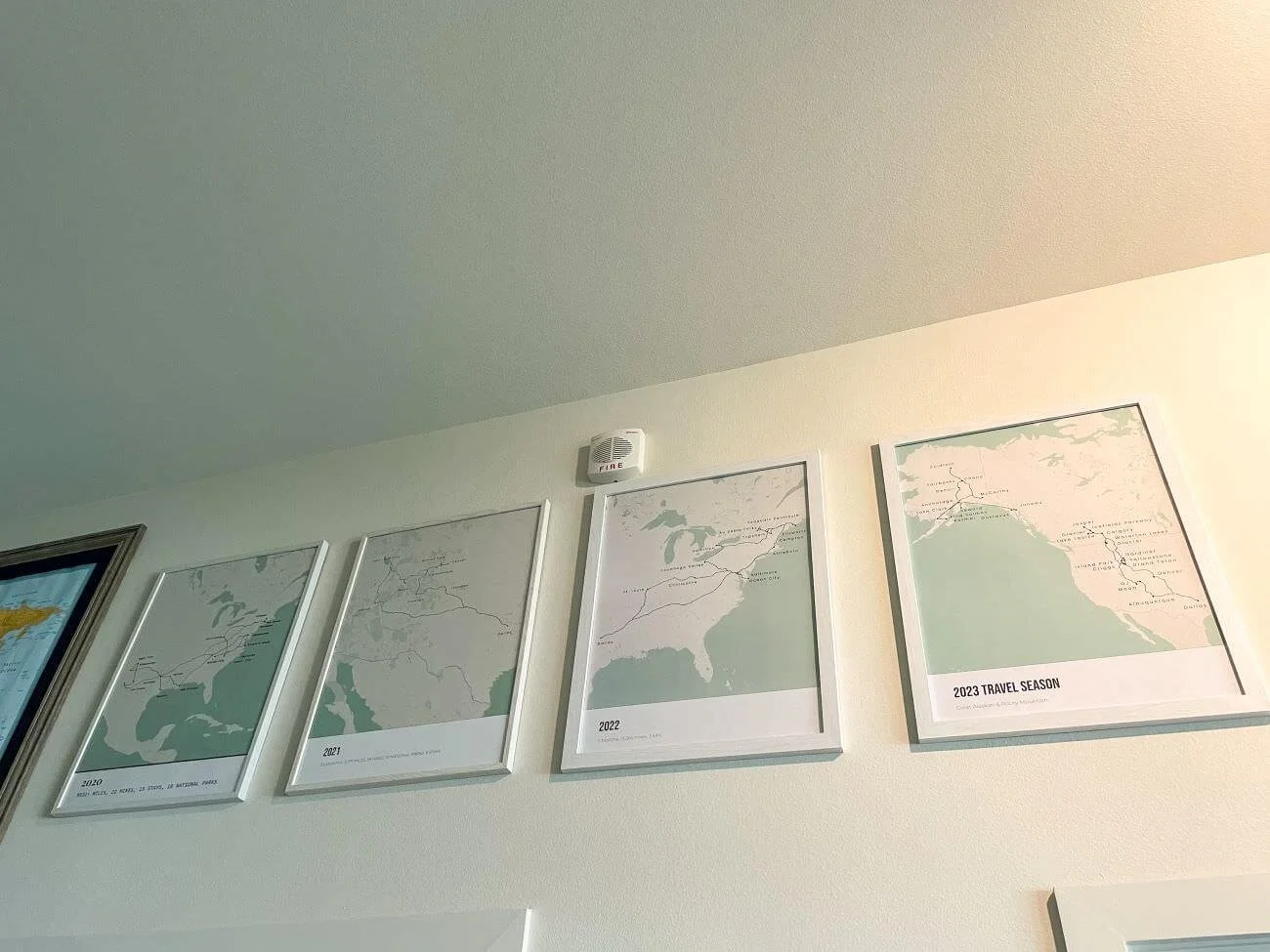
Our travel wall: one map for every year, or for a trip you loved.
Common questions
-
Yes. It’s free to use and you don’t need an account. Open the map maker and start adding stops.
-
We’re Jon and Kelly, the couple behind Road Trip Locals, and we created this map maker for ourselves first. We’ve been showcasing our routes on our wall since 2020, but struggled year after year to find exactly what we were looking for. In 2026, we made our own!
-
Yes! We’ve started maps for some of our favorite road trips from Road Trip Locals. Open the map maker, find the Road Trip Locals section, and choose one of the public maps. It fills in the stops for you, and you can change anything you like before you download.
-
Use our favorite template! We saved the look we use for our own maps, so one click applies our colors and settings. Choose it from the public templates in the Road Trip Locals section, then add your stops.
-
For each stop, choose how you got there: drive, fly or take the train. Driving legs follow real roads between the two stops. Flights are drawn as a straight line, and trains as a dotted line.
-
4 × 6, 5 × 7, 8 × 10, 11 × 14, 16 × 20 and 18 × 24 inches, in portrait or landscape. The download is sized for the print you choose.
-
We print and frame ours at 18 × 24 inches.
-
Anywhere that prints photos or posters, such as a local photo counter, an online print shop or a store like CVS. You download a PNG and upload it like any other photo.
-
Screens emit light and paper only reflects it, and print shops often add a warm tint. The map maker has Lighten for print and Cool for print sliders that adjust only the land, ocean and lake colors to compensate before you order.
Ready to put your trip on the wall?
Still planning the trip itself? Explore our road trip guides and itineraries.